Help Center
Answers that stop the ticket you should not take.
Put billing, onboarding, and how-to guides in a public help center with your logo and colors. When they still need you, the portal is right beside it.
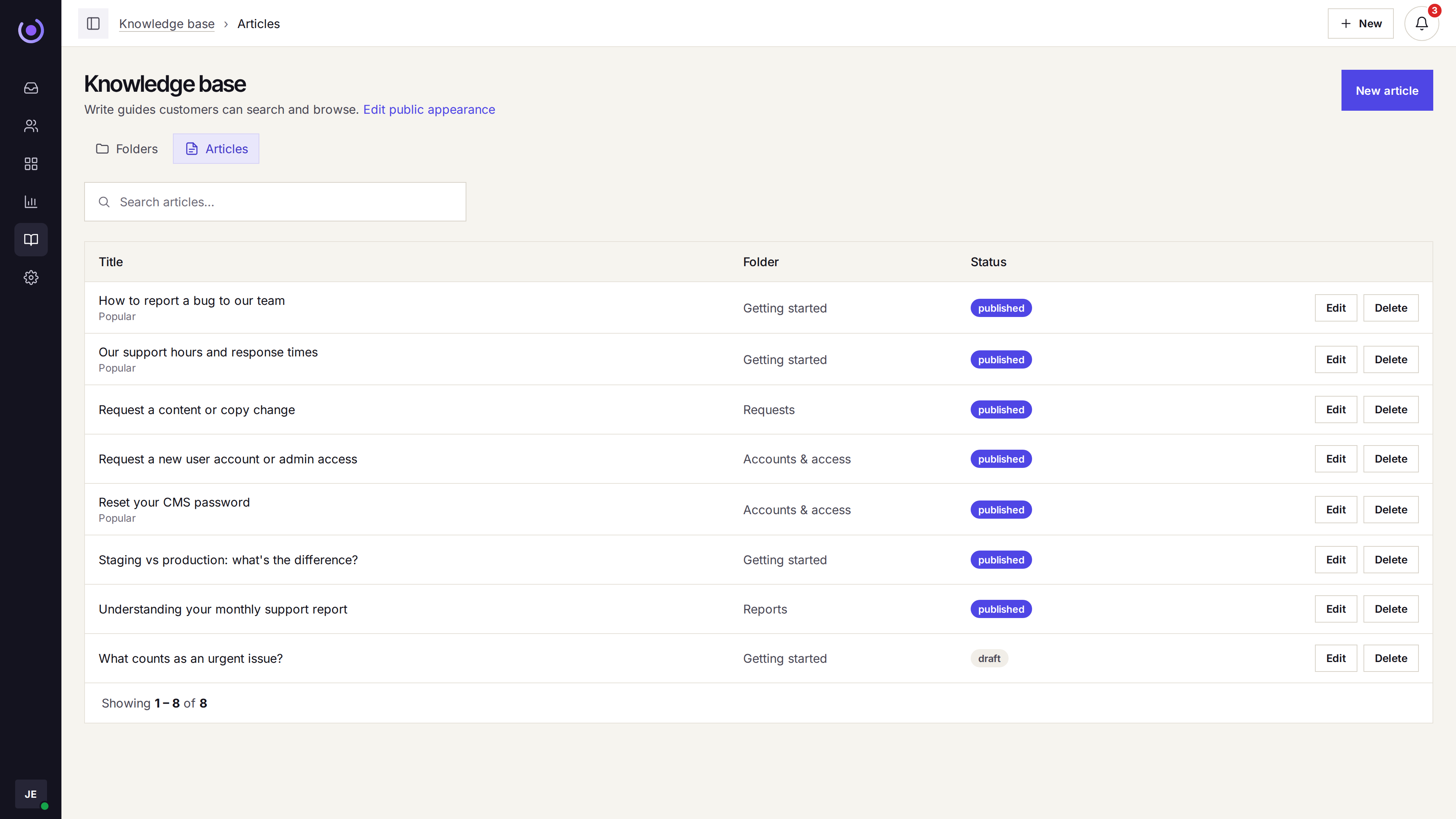
A public library
What you publish is what customers can read.
- Folders Articles are grouped in folders, so a topic is not one long page.
- Articles Each article is public. Customers can read it without signing in to the inbox.
- Workspace branding The help center uses the logo and colors of the workspace.
Next to the portal
Reading and requesting live side by side.
- Beside the portal The help center can sit next to the customer portal.
- A request if the article is not enough The customer can still open a ticket. It lands in the shared queue.
- The company, once they write in A portal request is tied to the contact and, when you have it, the company.

For the team as well
The same articles are there when an agent replies.
- One source Customers and agents are reading the articles you published, not a separate internal copy.
- Macros for what is not an article A repeated reply that should not be public stays a macro on the ticket.
- No extra product to turn on The help center is part of the workspace, on every plan.