Inbox
Every conversation. One queue.
Email, live chat, and the portal stop living in separate places. Your team opens one list, sees the company on the ticket, and knows who owns the reply.
One queue for every channel
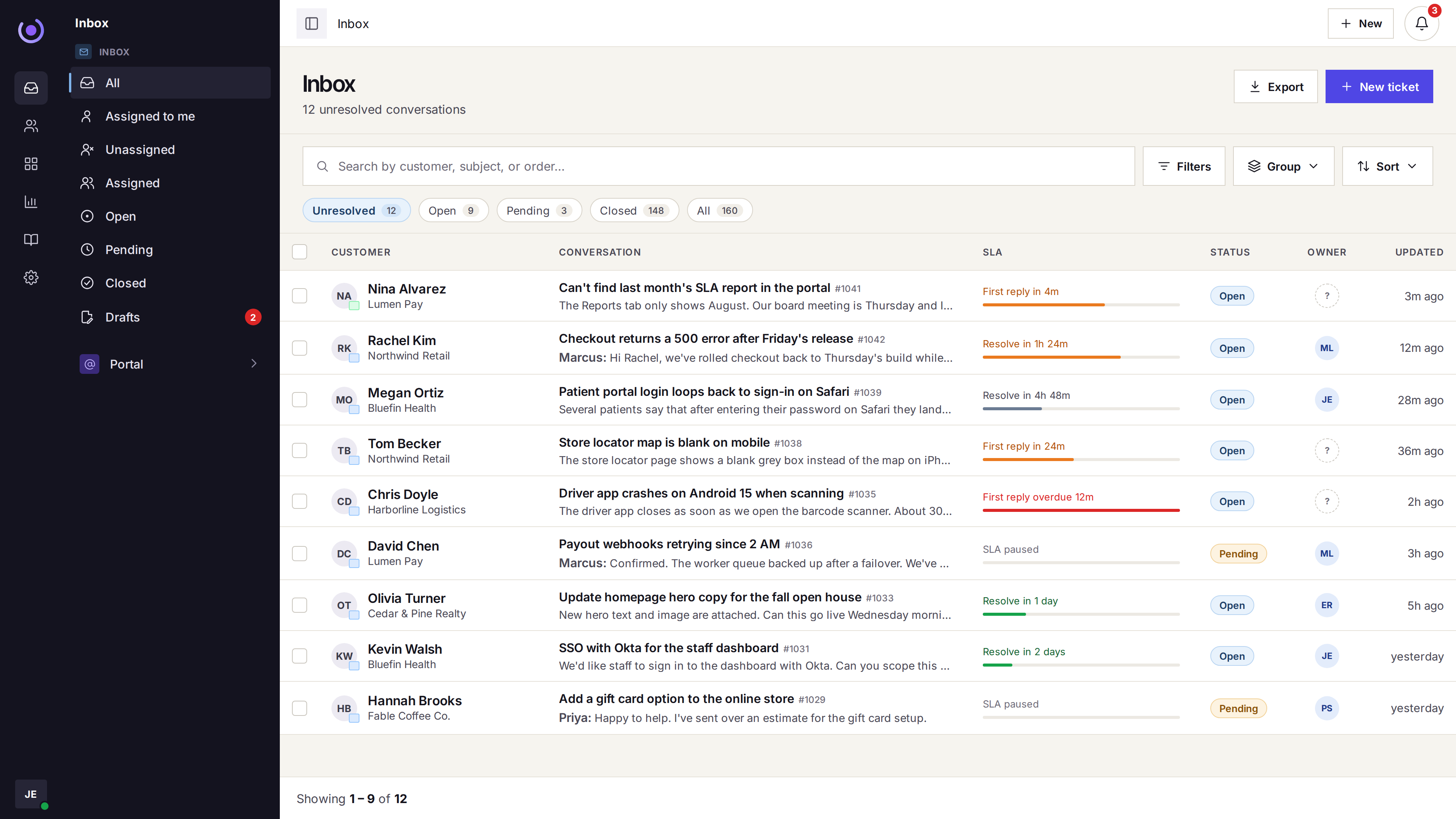
Email, live chat, and the portal share the same list. Status tabs show unresolved, open, pending, and closed.
- Email Mail to the support address opens a ticket in the shared queue.
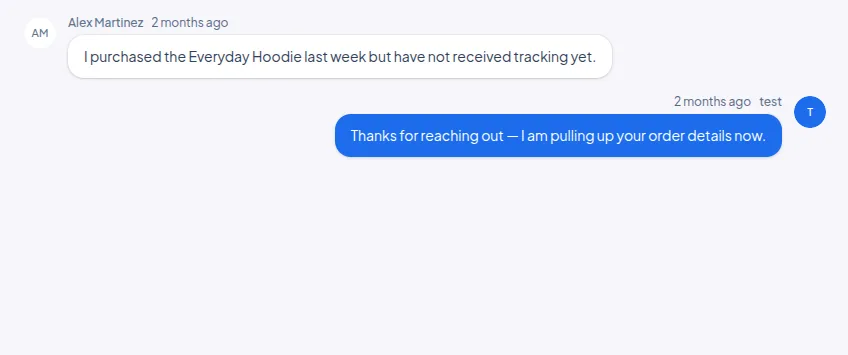
- Live chat A widget conversation is the same ticket, not a second inbox.
- Customer portal A portal request joins the queue with the email and the chat.
Context on the thread
Open a ticket and the company, the contact, and the earlier work are already there.
- The company The ticket is tied to the company the contact belongs to.
- Earlier tickets Previous tickets for that company are available on the thread.
- Internal notes Agents can write context the customer does not see.
An owner, a status, and the clock
The inbox shows who owns the ticket, whether it is open or pending, and on Growth the first-reply and resolve timers.
- Already viewing The ticket shows when another agent is already in it.
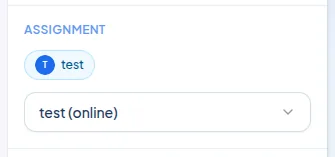
- An owner On Growth, automatic assignment gives the ticket an owner. Starter leaves that to the team.
- SLA on Growth First reply and resolve targets show on the row when service levels are on.