Portal
Your brand. Their status. No more “any update?” emails.
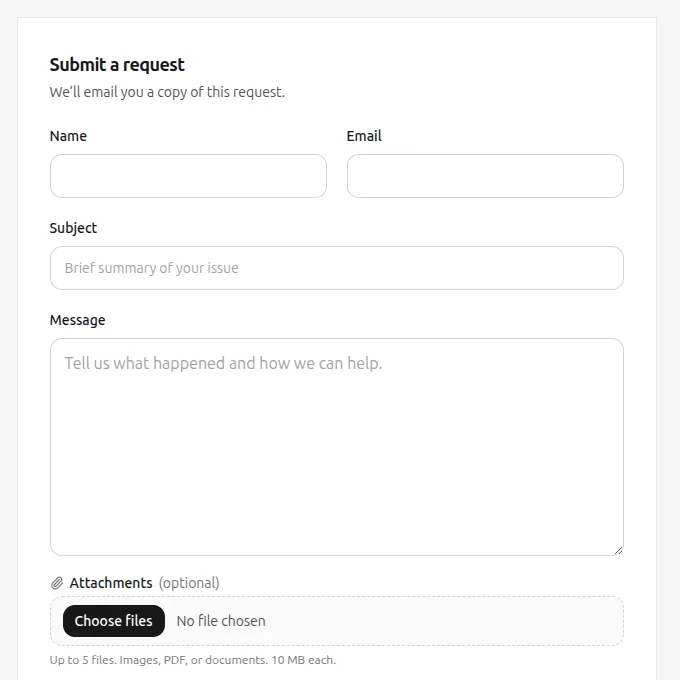
Give customers a portal that looks like your product. They read the thread, see where the request stands, and submit a new one when they need to — without another inbox ping.

Your workspace, not a generic page
The portal uses the workspace logo and colors you already set.
- Logo The portal uses the workspace logo.
- Colors The portal uses the workspace colors.
- One workspace The portal belongs to the same workspace as the inbox.
Status without another email
Customers open a request, read the reply history, and submit a new one when they need to.
- Status The portal shows where the request stands.
- Reply history The customer can read the replies on that request.
- A new request What they submit becomes a ticket in the shared queue.
The company stays attached
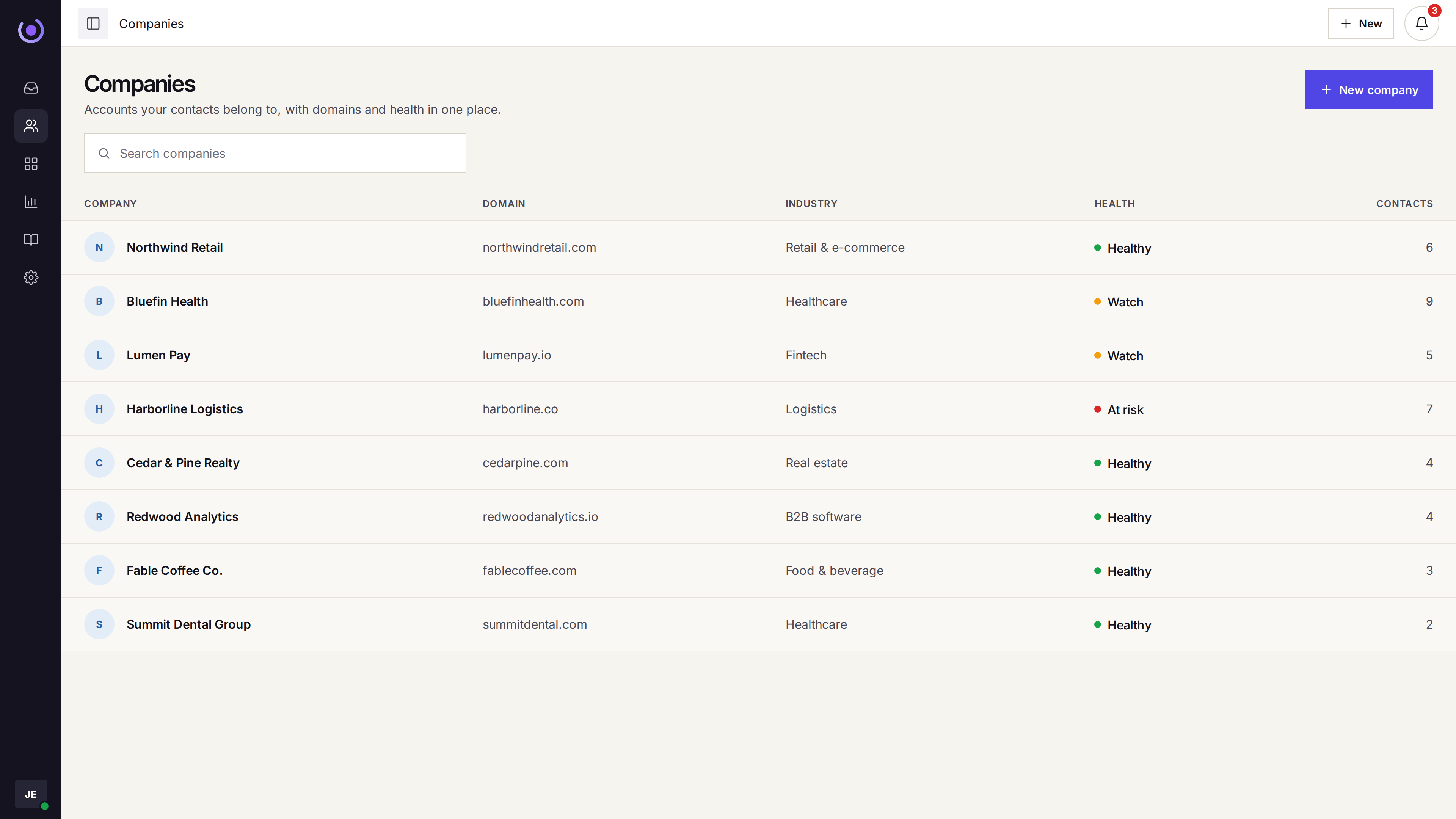
Contacts are grouped by company, so the account is on the ticket when they write in.
- Articles next to the portal The public help center can sit beside the portal.
- The company on the ticket A portal request is tied to the contact and the company.
- The same thread as email If they email later, it stays that ticket.