For agencies & IT
The company stays on the ticket, every single time
For agencies, consultants, and internal IT teams who answer requests for someone else. The client (or the department) sits on the thread, the portal shows status, and Growth puts an owner on it.
- Companies on every thread
- Dispatch rules on Growth
- Branded client portal
Built for lean service teams
For agencies, consultants, and internal IT teams of 3–30 who want a help desk, not a PSA or an RMM.
Where it breaks first
Four patterns we see in teams the week before they switch.
Forwarded until it is lost
A client email bounces between inboxes until someone remembers to reply.
No company on the thread
The reply is written without the account, the plan, or last month’s request.
No one owns it
Everyone sees the request. Nobody is on it. The clock runs anyway.
The portal is the ticketing tool
Clients email to ask “what’s the status?” because there is nowhere to check.
01 — For agencies & IT
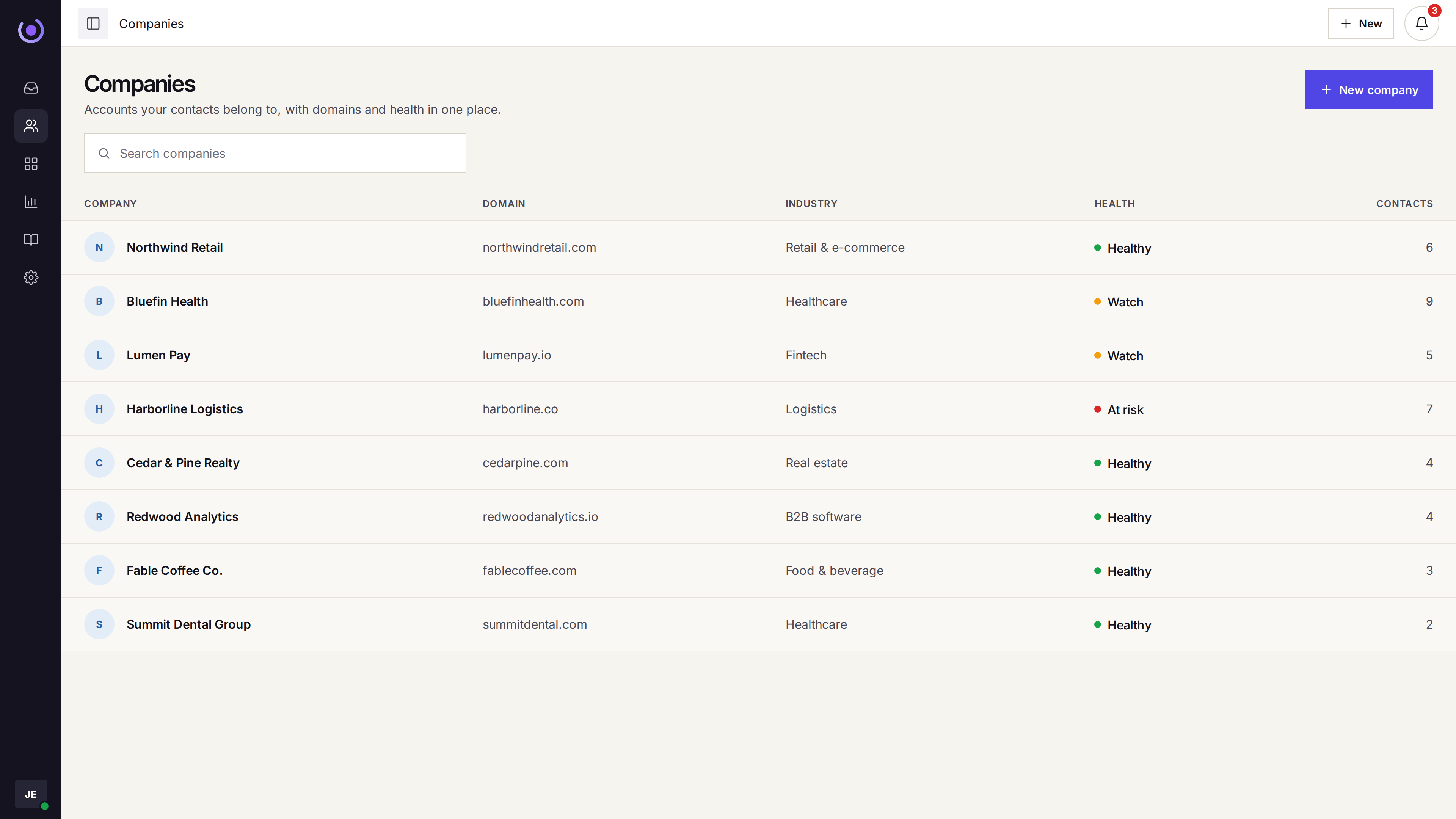
Companies carry the thread
Contacts are grouped under a company. A ticket from any address on that account already shows earlier requests, the plan, and the people on it.

-
Company on the row
Grouped contacts mean one view per client, with their requests on it.
-
Earlier tickets attached
Previous requests from the company show on the thread while you reply.
-
Plan and type tags
Mark the retainer, the SLA tier, or the client type right on the row.
-
Internal notes
Account context stays on the ticket and off the client-facing email.
02 — For agencies & IT
Dispatch and SLA keep the queue moving
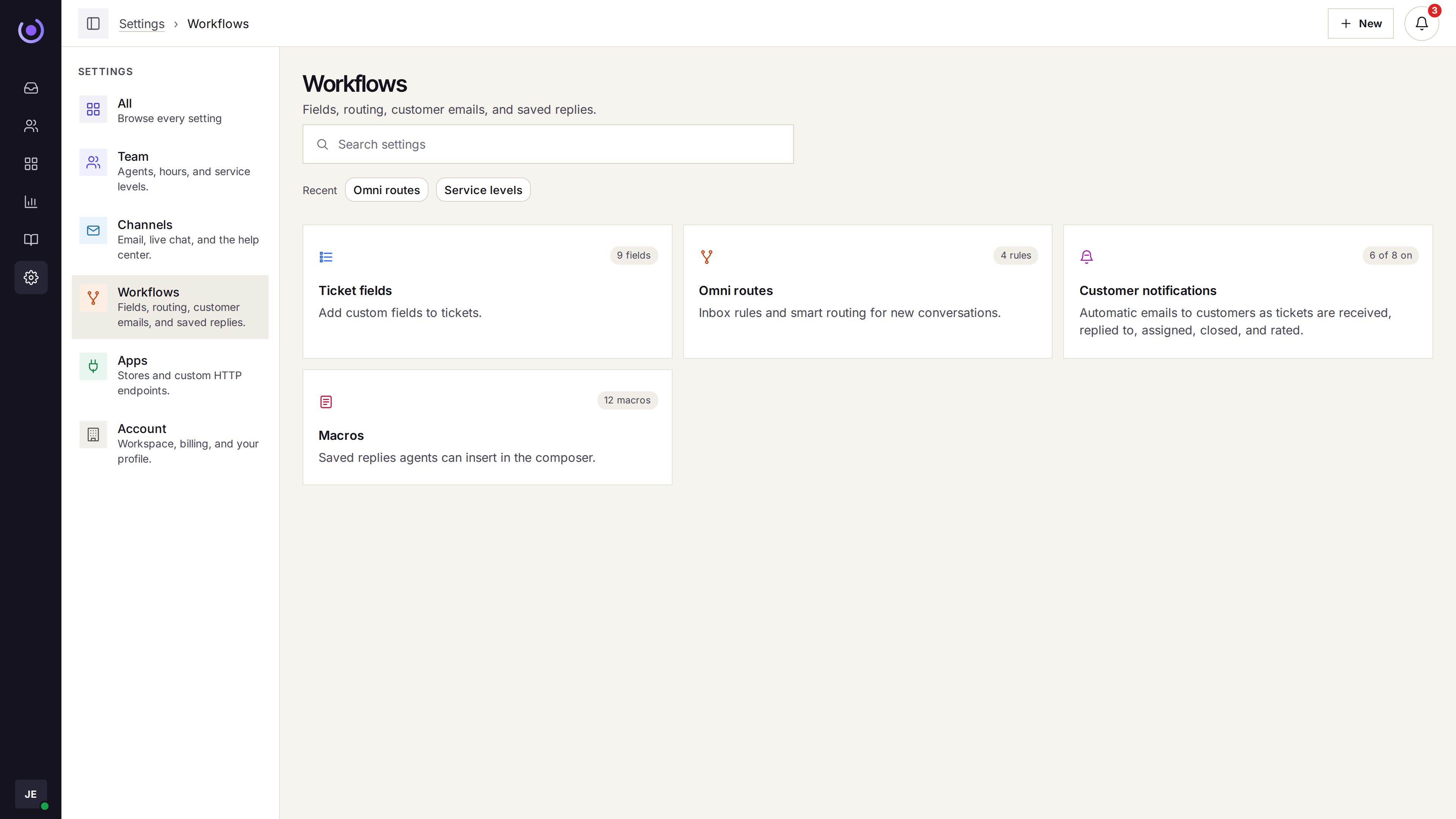
Workflows send a matching request to one agent. One SLA tracks first response and resolution with business hours. Starter leaves assignment to the team.
-
Round robin or fewest open
New tickets go to the next agent, or to whoever has the fewest open ones.
-
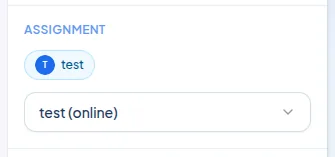
Online-only, with a cap
Assignment can skip offline agents and stop at an open-ticket cap.
-
Dispatch rules
A matching request goes to one agent, with the tag and priority already set.
-
One SLA on Growth
First response and resolution targets, business hours only if you want.
03 — For agencies & IT
A portal clients can actually use
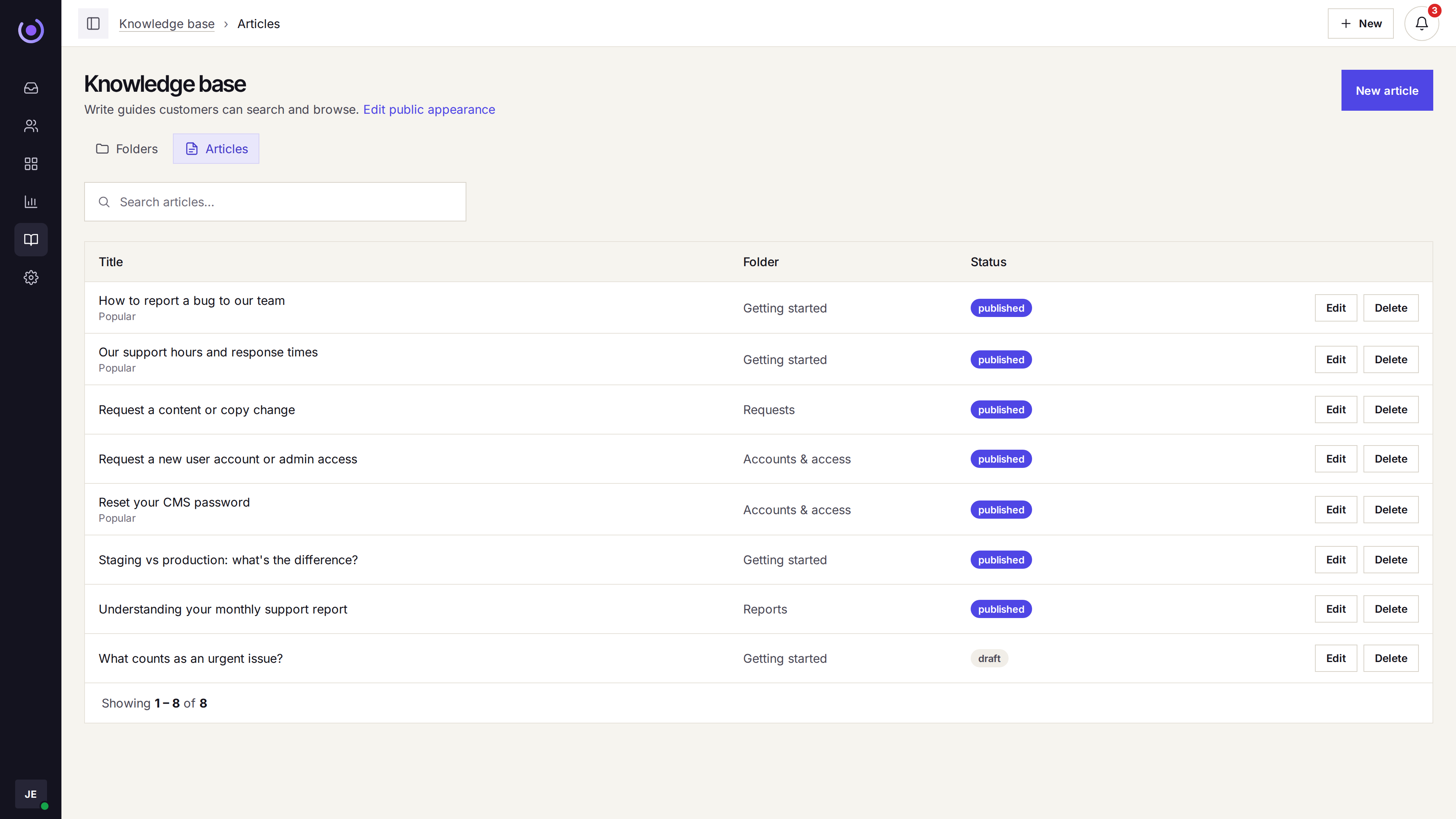
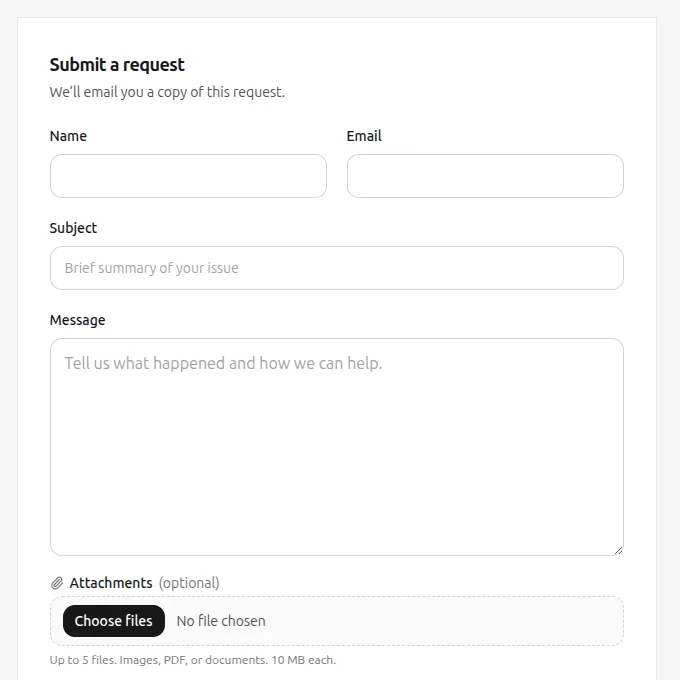
The portal uses your workspace logo and colors. Clients see request status and the reply history without emailing to ask. A help center sits beside it.
-
Status and reply history
The client opens the request and reads the thread. No new inbox.
-
Help center beside it
Articles sit next to the portal so common answers are already there.
-
Your domain and brand
Workspace logo, colors, and type — the portal looks like you, not us.
-
New requests become tickets
What they submit lands in the shared queue, in the same thread format.
04 — For agencies & IT
Reports you can show the client (or your boss)
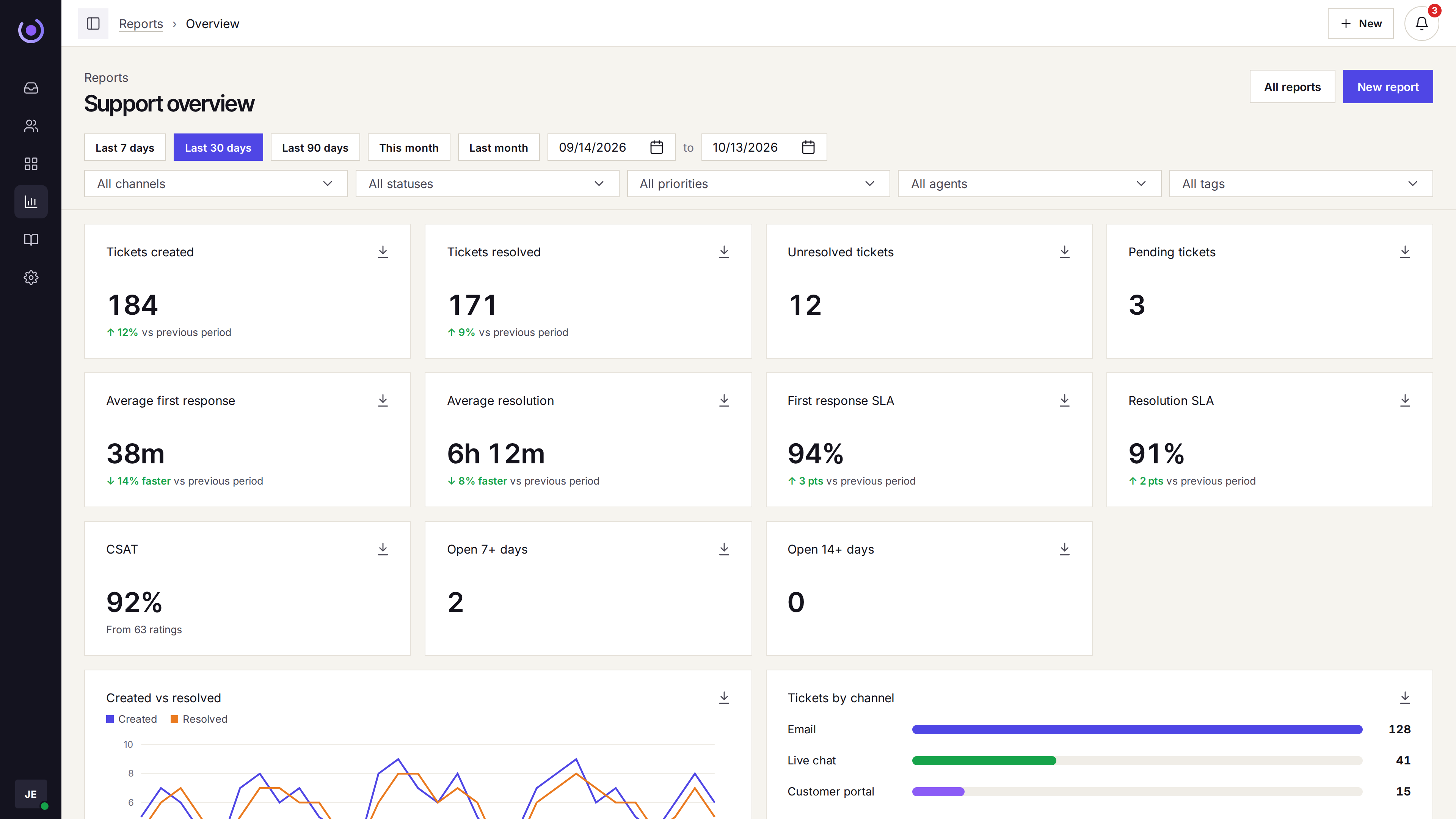
Volume by day, SLA by week, tickets by company, agent, and tag. The overview is on every plan.

-
Volume by period
Created vs resolved by day, with filters for channel and company.
-
By company and type
Saved reports can break the queue down by client or ticket type.
-
SLA on the overview
First-response and resolve SLA show when service levels are on.
-
Satisfaction
CSAT ratings on replies, if you ask for them.
Three straight answers before you ask
-
Help desk, not a PSA
It tracks requests, companies, and replies. It does not run projects, retainers, or time tracking.
-
Not an RMM either
No remote monitoring, no asset database, no on-call paging. If you need those, Klevrio is not the one.
-
Per-agent pricing
Pay for the seats on the queue. Unlimited tickets and companies on every plan.
Who should not buy
If any of these are the reason you are switching, keep looking.
- You need phone, WhatsApp, or SMS in the same queue.
- You need single sign-on.
- You need a HIPAA agreement.
- You need a PSA for projects, retainers, or time tracking.
- You need an RMM, an asset database, or on-call paging.
Questions
Is this a PSA?
No. Klevrio tracks client requests, the company on the thread, and replies. It does not manage projects, retainers, or time tracking.
Does email create a ticket on its own?
Yes. So do the live chat widget and the customer portal. An agent can also open a ticket by hand when the request started in a meeting.
How does assignment work?
On Growth: round robin or fewest open tickets, optionally online-only, with a cap. Dispatch rules can send a matching request to one agent. Starter leaves assignment to the team.
Can a client see the status of a request?
Yes. The portal shows status and the reply history, with the help center beside it. The workspace logo and colors apply to both.
Which channels are in the queue?
Email, the site chat widget, and the customer portal. Phone, WhatsApp, and SMS are not.