Ticketing
Nothing sits unowned in the queue.
Email, chat, and the portal open tickets on their own. You add status, priority, and type. On Growth, assignment and an SLA put a person and a clock on the work.
Created without a copy-paste
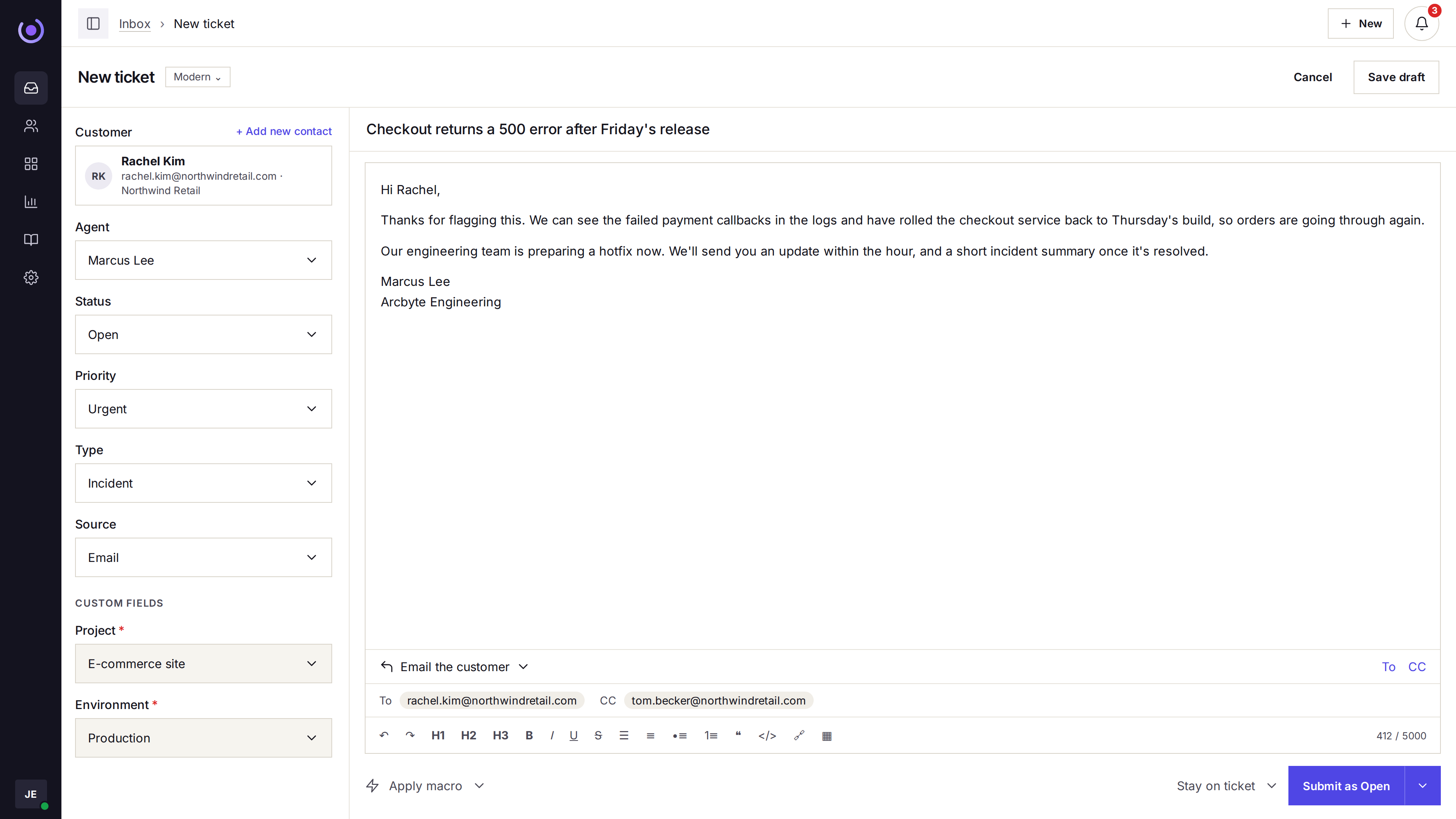
Email, live chat, and the portal each open a ticket. An agent can also open one by hand when the request starts elsewhere.
- Automatic ticket creation Email, live chat, and the portal each open a ticket.
- Manual tickets An agent can open one when the request did not arrive in the queue.
- One thread Replies, notes, and a later email stay on that ticket.
Described so the queue is sortable
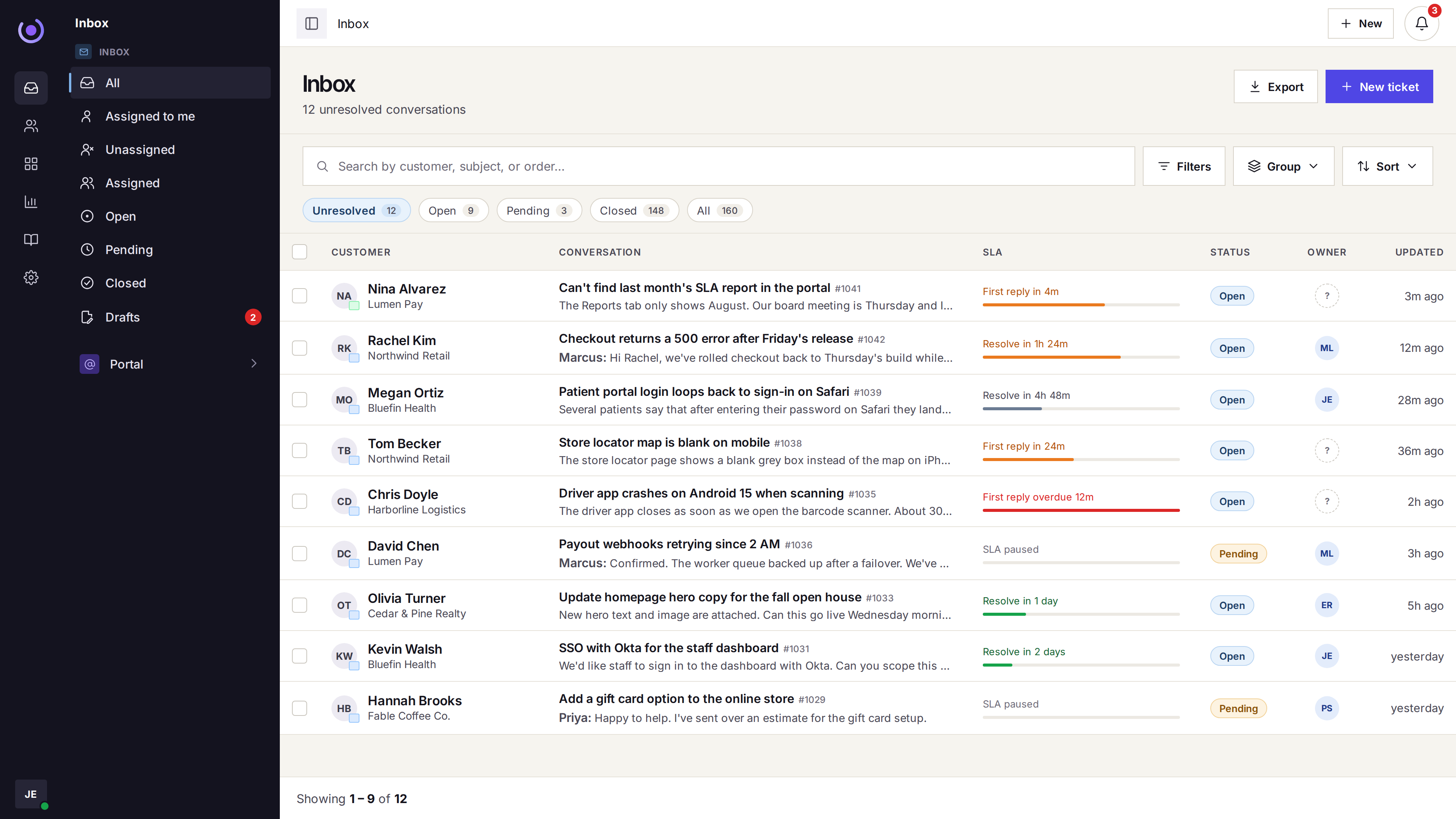
Status, priority, and type sit on the ticket. The inbox can filter and sort by them.
- Tags Tags group tickets without inventing a second queue.
- Status and priority Where it stands, and how urgent it is.
- Type Question, incident, problem, or feature request.
Handled, including on Growth
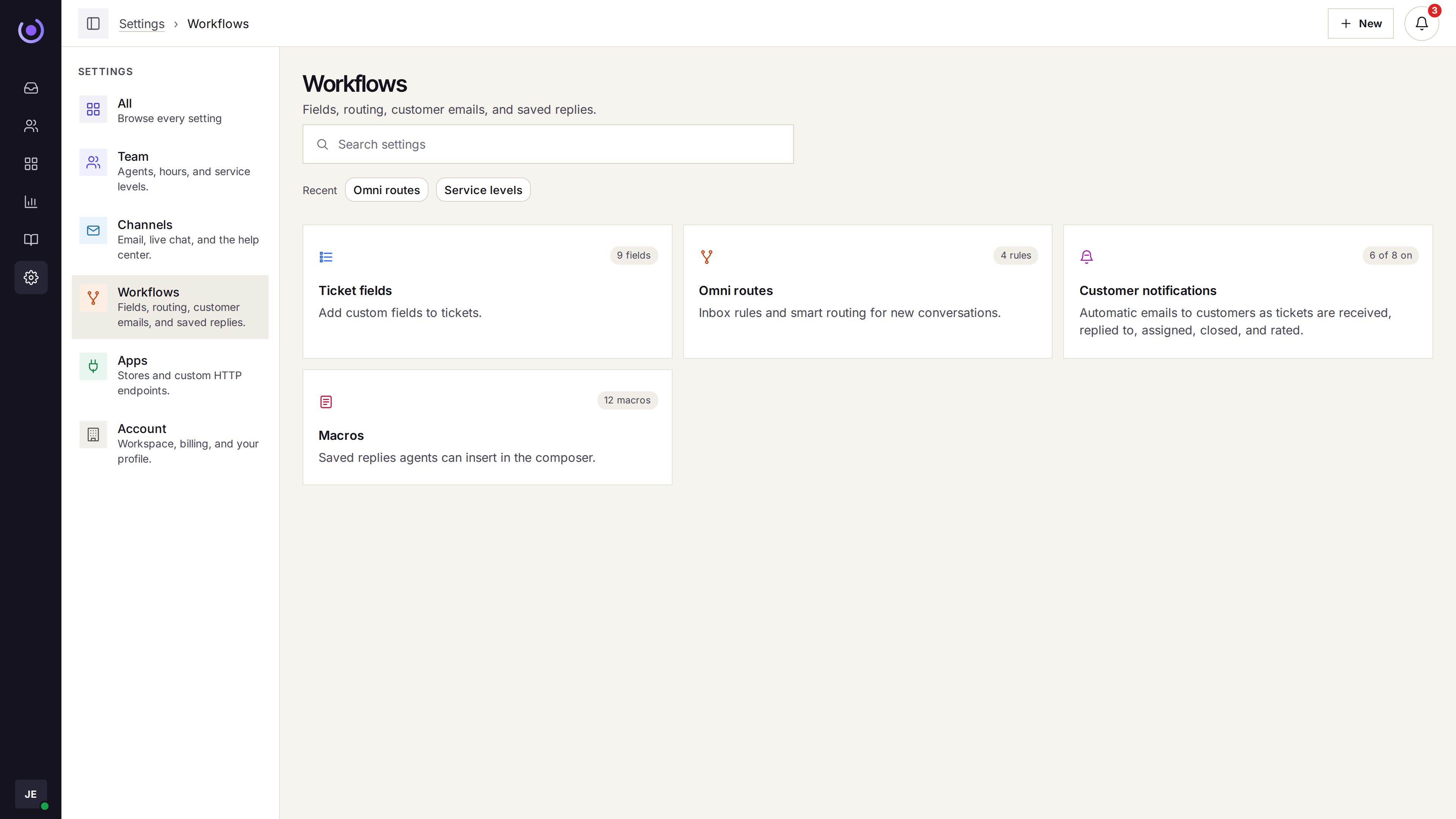
Macros sit on every plan. Assignment, dispatch, and one SLA are on Growth.
- Macros Saved replies with merge tags, on every plan.
- Assignment and dispatch On Growth: round robin or fewest open tickets, online-only, a cap, and dispatch rules to one agent.
- One SLA On Growth: first response and resolution targets. Starter does not include an SLA.